Index / Selected Work / Bark — Smart Collar
Top 10 Finalist · UX Hackathon 2020 · 137 teams worldwide
[ Case Study · 06 / 06 ]

A smart-collar
app that helps
good dogs come home.

A 1-day hackathon design for the Bark smart-collar onboarding experience — set up the device, set up the dog, set up the human. Our submission was selected as a Top 10 Finalist out of 137 teams worldwide.

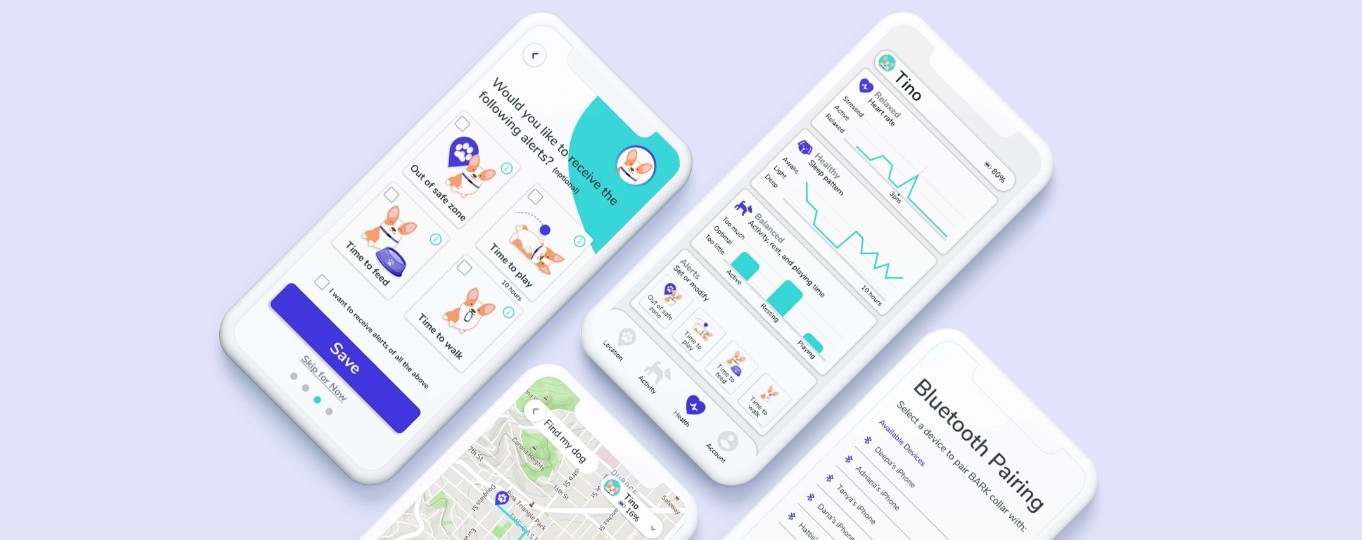
Bark smart-collar app hero [ FIG.01 ] UX HACKATHON · 2020 BARK / SMART COLLAR 1 DAY · 5 DESIGNERS
Role Lead PM & UX Research · UI Style Tile
Duration 1 day · 2020
Team Adriana Deepa Hattie Tanya Daria
Skills PM · UX Research · Wireframes · Hi-Fi Mocks · Prototyping
01 · The Challenge

1 in 3 dogs go missing.

Dog parents need peace of mind that their pets can be found quickly and efficiently if they wander away from home.

The American Humane Association estimates that 1 out of 3 pets become lost at some point in their lifetime — and according to the Coalition for Reuniting Pets and Families, less than 23% of lost pets in the U.S. are reunited with their owners.

01
1 / 3
U.S. pets become lost at some point in their lifetime
American Humane Assoc.
02
< 23%
of lost U.S. pets are reunited with their owners
Coalition for Reuniting Pets & Families
[ Problem statement ]

How might we give pet owners peace of mind on the safety and security of their dog's well-being — and help reunite any lost dogs with their worried owners as quickly as possible?


02 · Research

Affinity mapping & priorities.

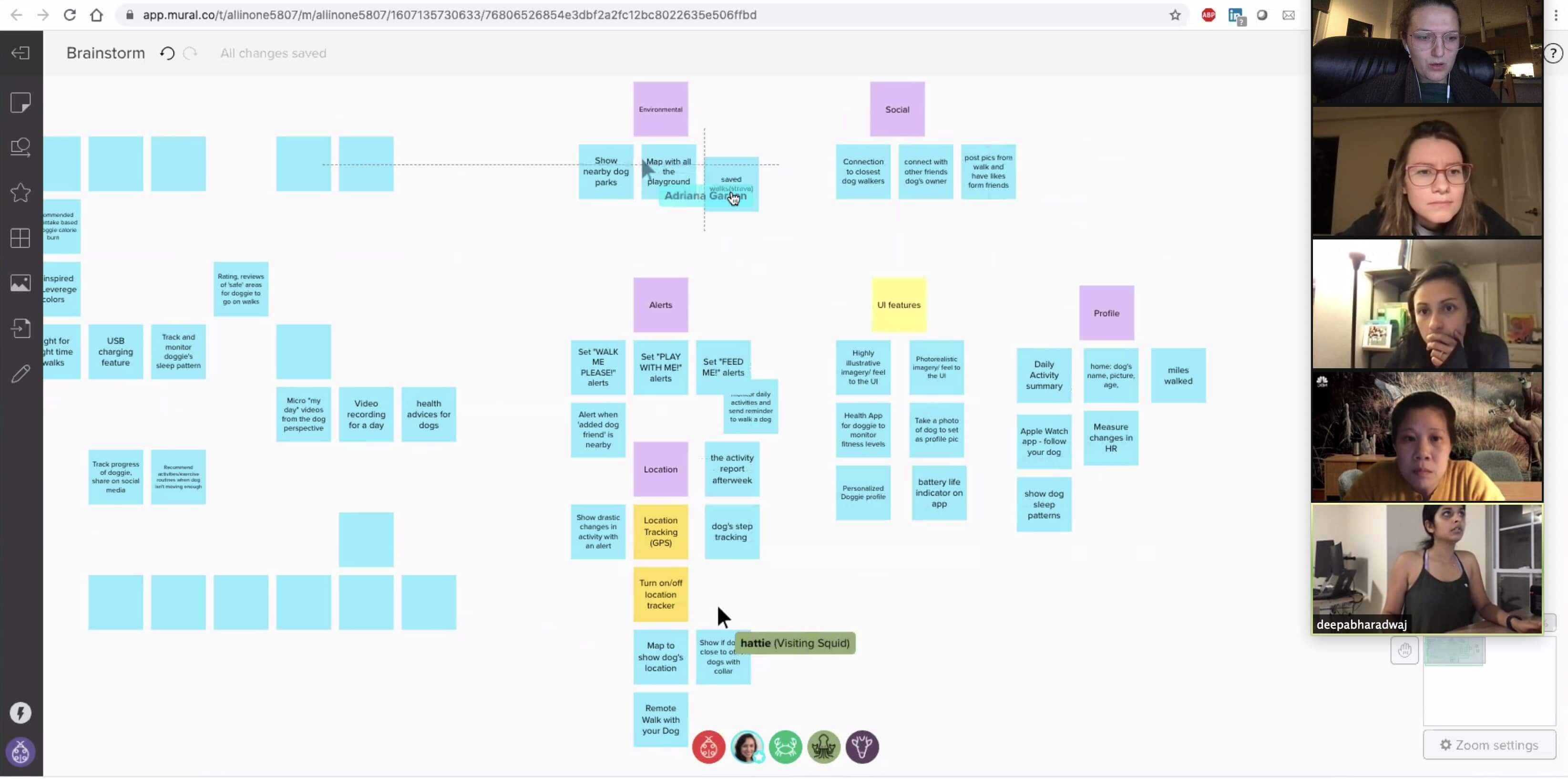
Working remotely on Zoom, we brainstormed potential features for the app — running an affinity-mapping exercise and voting through a feature prioritization matrix to nominate what would actually ship in a 1-day sprint.

Team affinity mapping board [ FIG.02 · Affinity map ]
Remote whiteboard collaboration · 5 designers FIG.02

The features that made the cut

Track Live Location

  • Track anywhere, anytime
  • Set safe zones
  • Share your dog's location

Alerts

  • Escape detection
  • Time to walk
  • Time to feed & play

Health Monitor

  • Heart rate
  • Activity levels
  • Sleep patterns

03 · Ideation

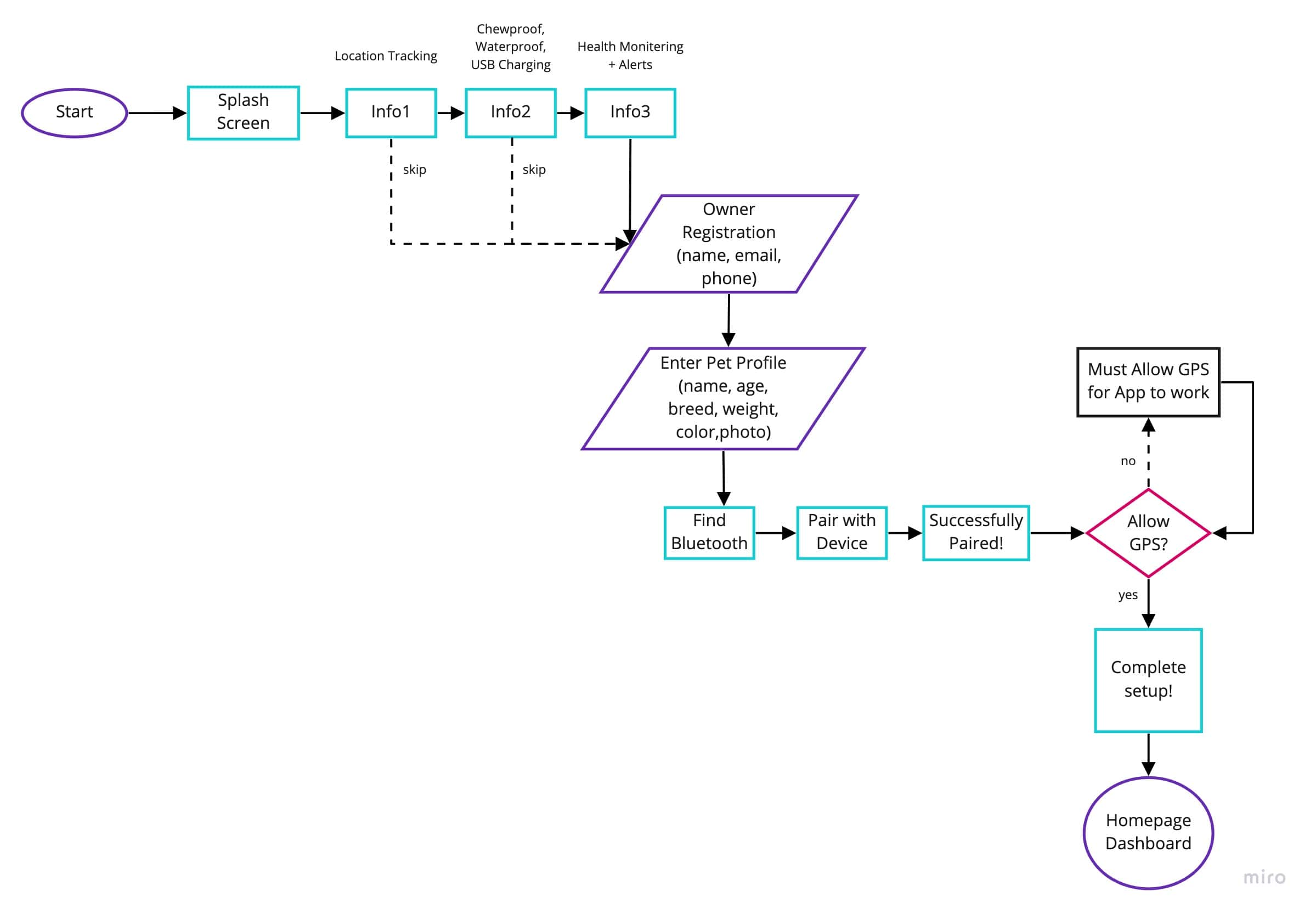
Mapping the user flow.

Based on our affinity mapping, we charted out a user flow for the four core onboarding tasks:

  • Introduction to the app
  • User account creation
  • Dog profile setup
  • Homepage dashboard
Onboarding user flow [ FIG.03 · User flow ]
Onboarding task flow FIG.03

04 · Wireframing

Sketches first, screens next.

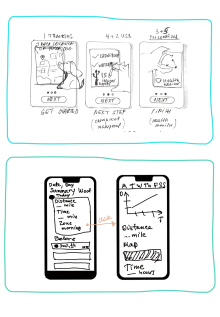
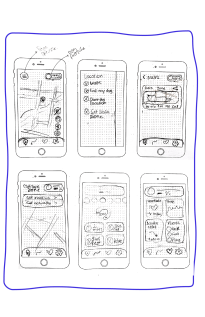
As a team, we generated lo-fidelity sketches for the different screens based on our task flow — independently at first, then converging to combine the strongest ideas into a unified set ready for hi-fi prototyping.

Lo-fi sketch 1Sketch 01
Lo-fi sketch 2Sketch 02
Lo-fi sketch 3Sketch 03
Lo-fi sketches · 3 of 6 FIG.04

05 · Branding & Identity

A mascot to guide the way.

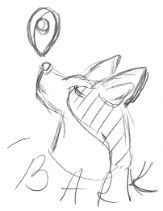
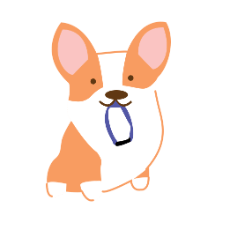
To make the onboarding feel engaging and fun, we illustrated a key mascot who guides the user through the setup process. The mark is friendly, approachable, and quietly hints at the brand's protective intent.

Bark logoLogo · Mark
Bark mascotMascot · Sketch
Custom illustration · Logo & mascot FIG.05

06 · Style Guide

Bright, simple, playful.

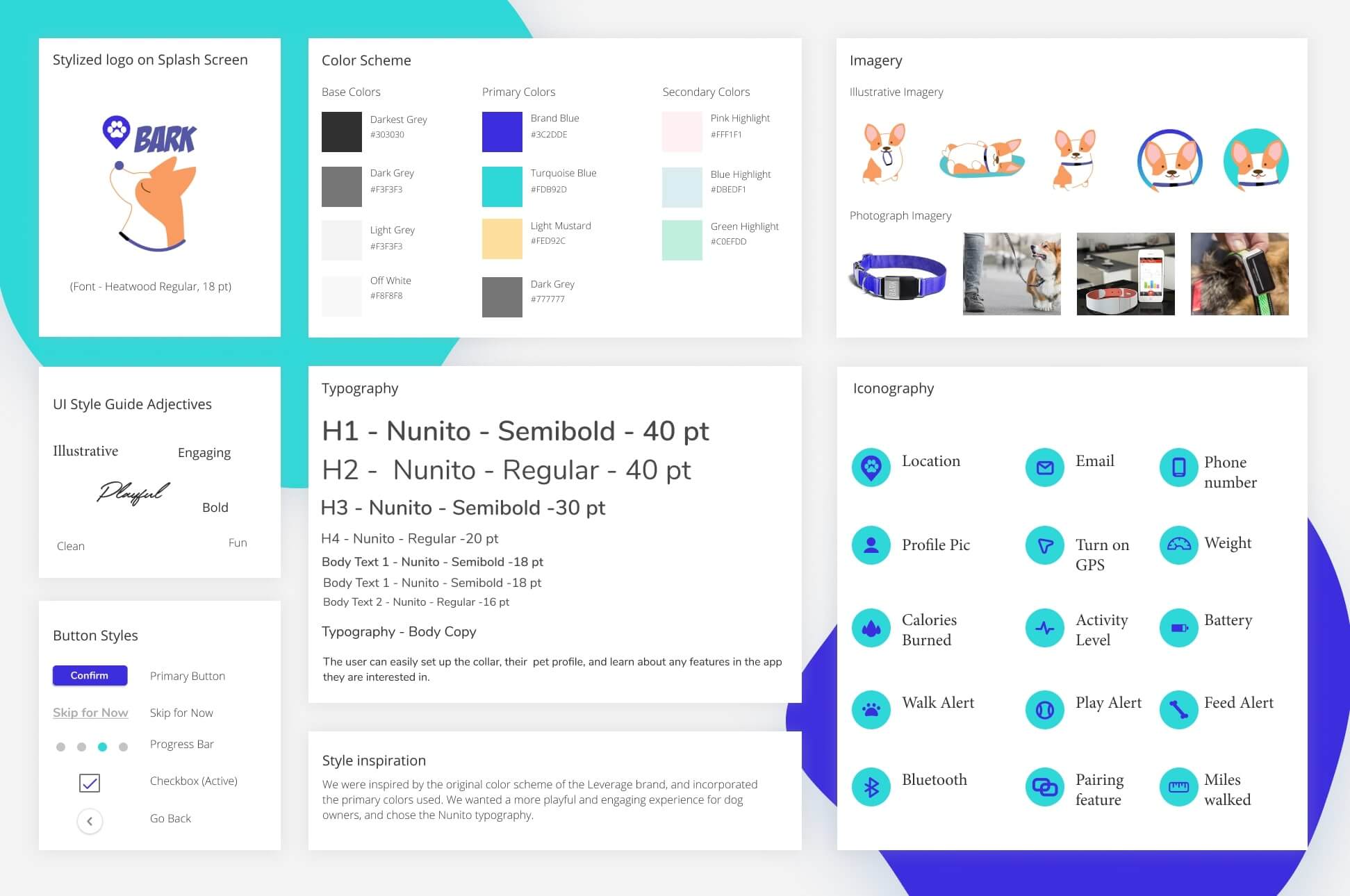
We researched the UI style of Leverege and drew inspiration from their simple, bright, playful colors to design and brand the Bark app interface.

Bark style tile [ Style tile ]
Color · Type · Spacing · Iconography FIG.06

07 · Hi-Fidelity Wireframes

Style applied. Screens shipped.

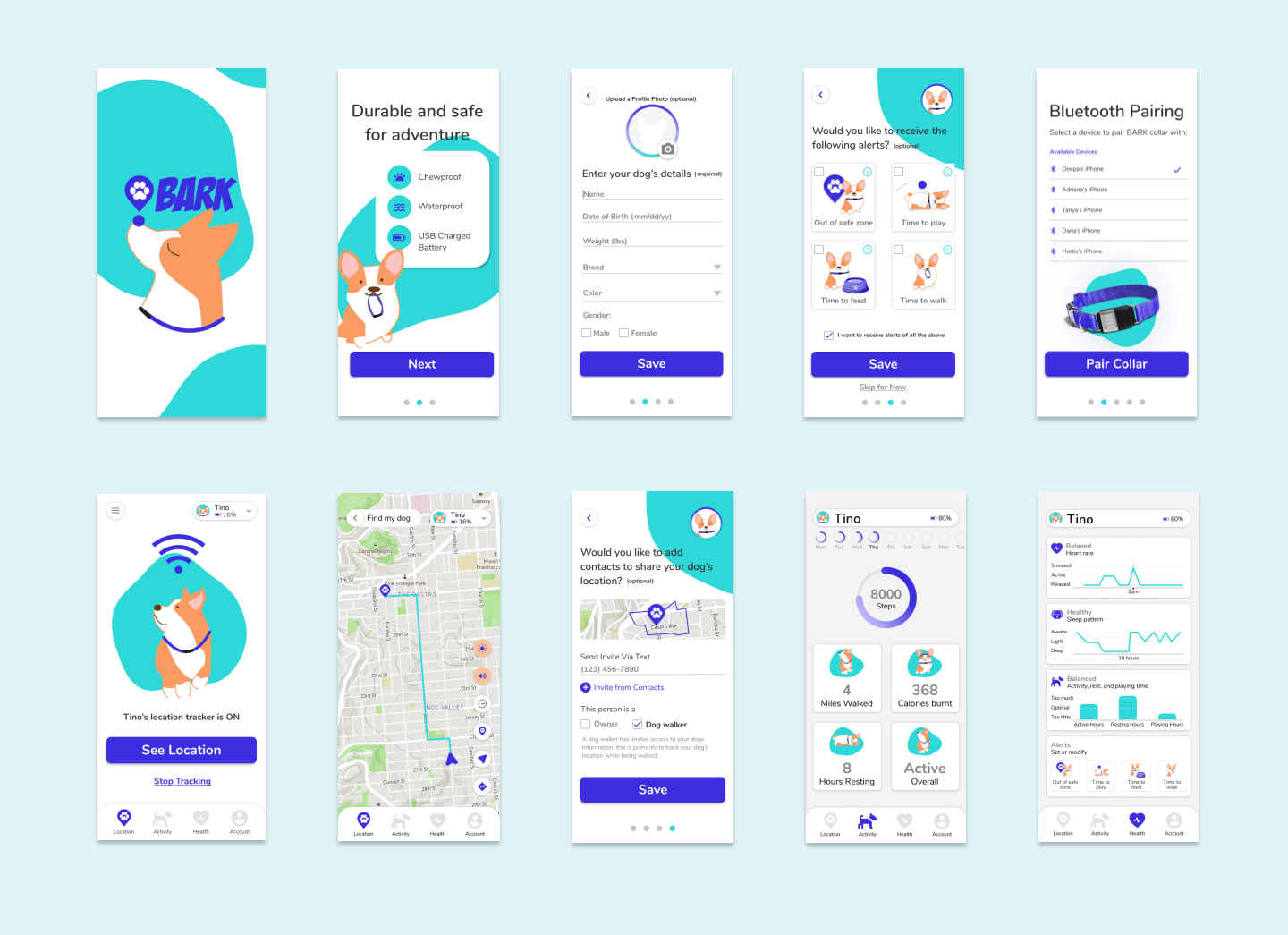
We applied the style guide to the lo-fi mockups and split the screens across the team — given the 1-day timeline. The hi-fi pass covered onboarding, the homepage, and the dog-profile pages.

Bark hi-fi screens composite [ Hi-fi composite ]
Hi-fi screens — onboarding, homepage, dog profile FIG.07

08 · Hi-Fi Prototype

The thing in motion.

We resolved minor UI and visual issues surfaced through usability testing, then put most of our remaining time into prototyping the onboarding flow — the heart of the value proposition.

Onboarding prototype walkthrough
Open interactive prototype

09 · Judging

Hot dog! A finalist.

Our design and team made the shortlist of 10 finalists out of 137 submissions worldwide.

"

I really, really loved the way this team not just presented the work but how they displayed the final prototype. Thinking through a lot of the small details that a user may face while onboarding and using the app. Great use of thought process.

— Hackathon judge · UX Hackathon 2020


10 · Next Steps

What we'd tackle next.

We had a great time working on this challenge — the layout, branding, tone, app features, and the team chemistry under a tight clock. With more time, the team's roadmap looked like:

→ 01

Run usability testing

Validate the onboarding flow with real dog parents and iterate on the friction points the day-one timeline didn't allow for.

→ 02

Vet-ready health export

Export and share heart-rate, activity, and sleep data with a vet — closing the loop between collar, app, and clinic.

→ 03

Expand to other animals

Cats first — same hardware concept, different behavioral assumptions in the IA.

→ 04

Social connections

Integrate social features so neighborhoods can flag missing pets and reunite them faster.

Keep reading.

[ Related Work · 03 ]
[ Get in touch ]

Want the full
walkthrough?